For foster parents in 2026, the best baby monitor for foster parent with multiple rotating placements is a battery-capable Wi-Fi camera that pairs through an app in under five minutes, supports multiple caregivers on one account, and travels cleanly between licensed bedrooms. Placements arrive on short notice — overnight, weekend respite, or a long-term match — and the monitor has to set up in an unfamiliar room without drilling, mount on whatever surface is available, and let your co-parent or social worker tap in from a separate phone. This guide covers the buying criteria, the 2026 feature checklist, and the supporting transport gear that makes new placements actually workable from minute one.
Why foster placements break "regular" baby monitor advice
Standard baby-monitor roundups assume you mount one camera on one wall in one nursery, drill anchors, run cable along the baseboard, and walk away. Foster parents cannot. A typical licensed home cycles through three to twelve children a year — sometimes infants, sometimes toddlers, sometimes siblings sharing a room, sometimes a single newborn for emergency overnight respite. Each child may stay for one night or for two years. The bedroom configuration changes constantly: today it's a crib by the window, next month it's a portable playard in the corner, the month after that it's a toddler bed against the opposite wall.
That reality kills most "premium" hardwired monitors. You need something that comes off the shelf, charges off a power bank if needed, and re-pairs without you flipping breakers or pulling drywall anchors. You also need privacy controls strong enough that when a child transitions out, you can wipe footage and revoke access for any caregiver who was added during that placement.
The 2026 feature checklist for foster-rotation monitors
- Battery + outlet operation. Cordless setup means you can place the camera anywhere — top of a dresser, on a portable shelf, clipped to a playard rail — without needing an outlet within six feet.
- App-based multi-user access. You, your spouse, the respite caregiver, and (in some states) the assigned case manager all need view permission. Look for monitors that support at least four user accounts.
- Local SD-card recording + optional cloud. Local recording lets you keep footage off third-party servers when a placement is sensitive. Cloud is useful for accessing clips from outside the home.
- Per-placement data isolation. Ability to delete all stored footage tied to one child without nuking the whole device.
- Two-way audio and lullaby playback. Comfort tool for kids transitioning into a new home and feeling unsettled at night.
- Temperature and humidity sensors. Useful for infants and required by some foster licensing reviewers.
- Multi-camera support on one app. Sibling placements are common — you'll want at least two cameras feeding into one dashboard.
- Hardware-level privacy shutter. A physical cover on the lens proves to placement workers and birth families that the camera is off when it needs to be.
- Quick QR-code pairing. When a placement arrives at 11pm, you do not have time to read a 40-page manual.
- Detachable wall mount + tabletop base. Skip anything that requires drywall anchors.
Models that hit most of these notes in 2026 include the Eufy SpaceView S series (battery, local storage, dual-camera support), the Nanit Pro Travel kit (multi-user, app-first), and the VTech VM819 (non-Wi-Fi backup option for homes where the placement's case plan restricts internet-connected cameras). When you read product pages, prioritize "travel-friendly" and "multi-camera" tags over picture resolution — 1080p is plenty for a bedroom feed, and 4K just eats your phone's data plan.
Choosing the best baby monitor for foster parent with multiple rotating placements
The decision tree is simpler than the marketing copy suggests:
- If your county allows Wi-Fi cameras during placements (most do), pick a battery-capable Wi-Fi monitor with a removable SD card.
- If you take any placements where the case plan explicitly restricts internet-connected devices (rare but real, usually involving custody disputes), pair the Wi-Fi unit with a non-Wi-Fi audio-and-video monitor as your backup.
- If you regularly take sibling pairs, buy a two-camera kit out of the gate rather than one camera at a time.
That's the whole framework. The expensive feature you actually need is portability; the expensive feature you can usually skip is "smart sleep coaching" AI, which is built around a single child's months-long routine — useless when the child in the bedroom changes every six weeks. For homes that also need a no-Wi-Fi fallback, our portable non-Wi-Fi baby monitor guide lists the closed-network options that pair without an app.
Supporting portable gear: what the monitor sits next to
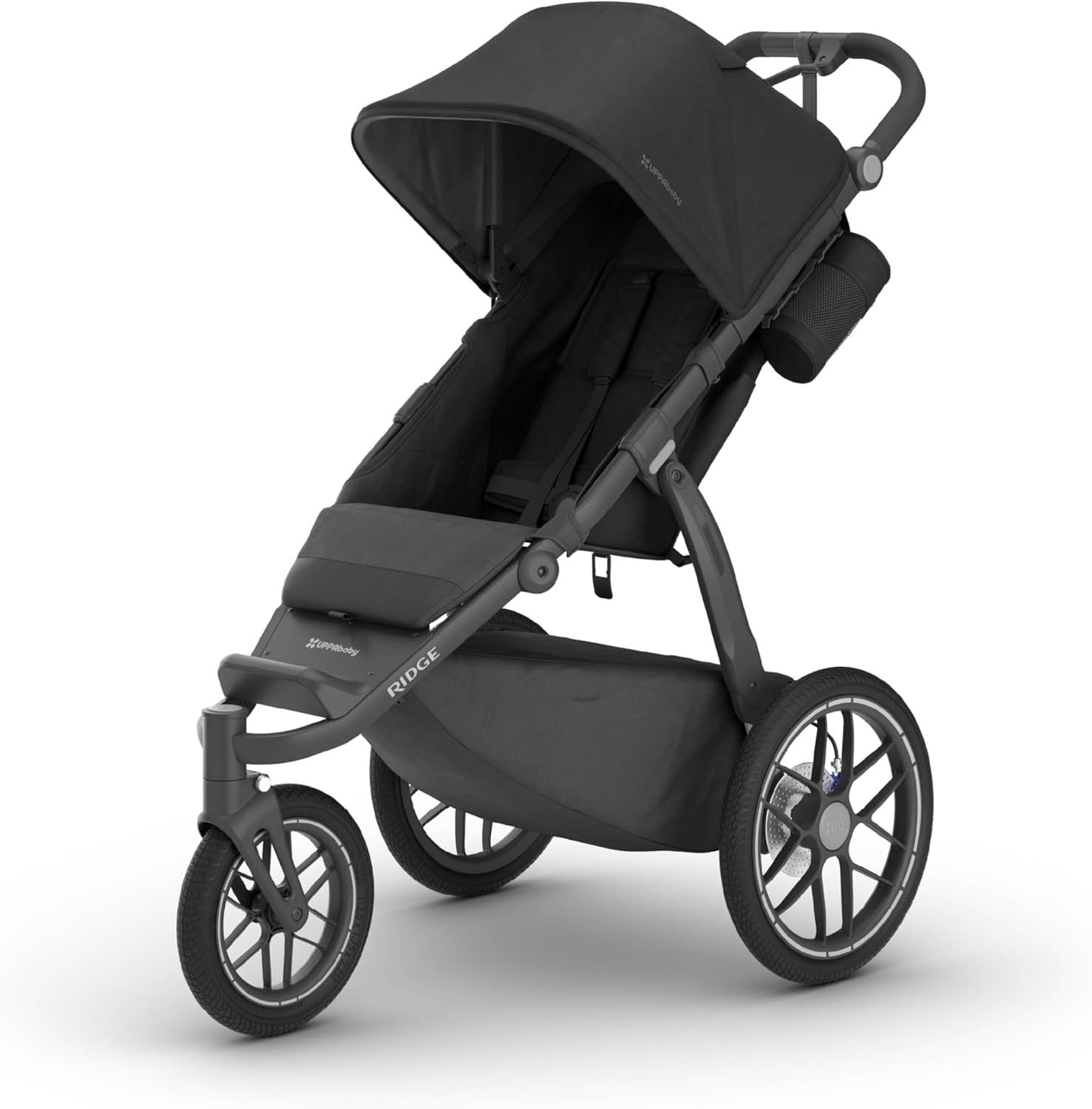
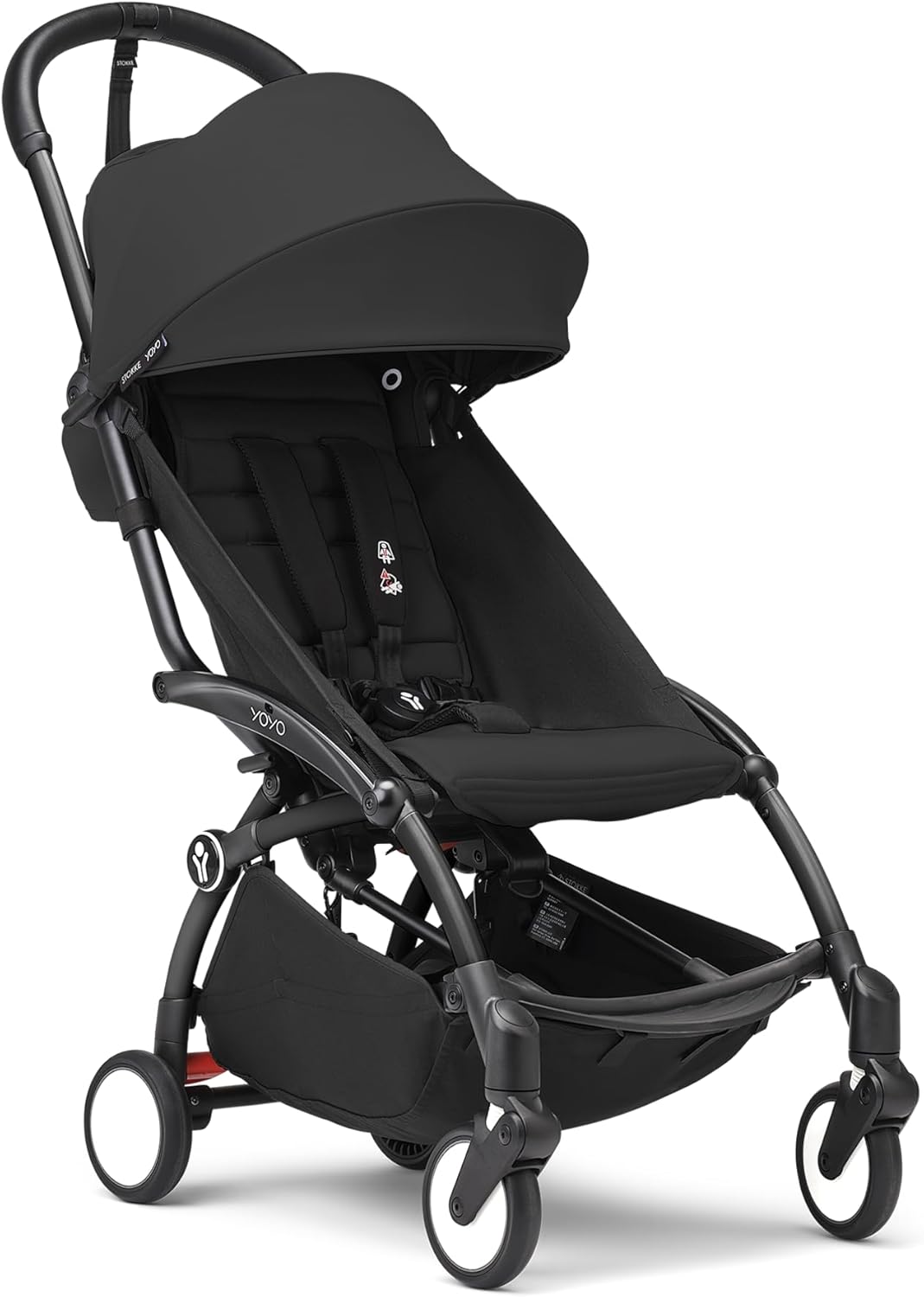
A baby monitor is one node in the foster go-kit. The other two anchors are a travel system (car seat + stroller in one) and a compact secondary stroller for daycare drop-offs, doctor appointments, and supervised visits. The picks below all assemble fast, fold flat for storage between placements, and fit the broad age range you'll see in foster rotation.
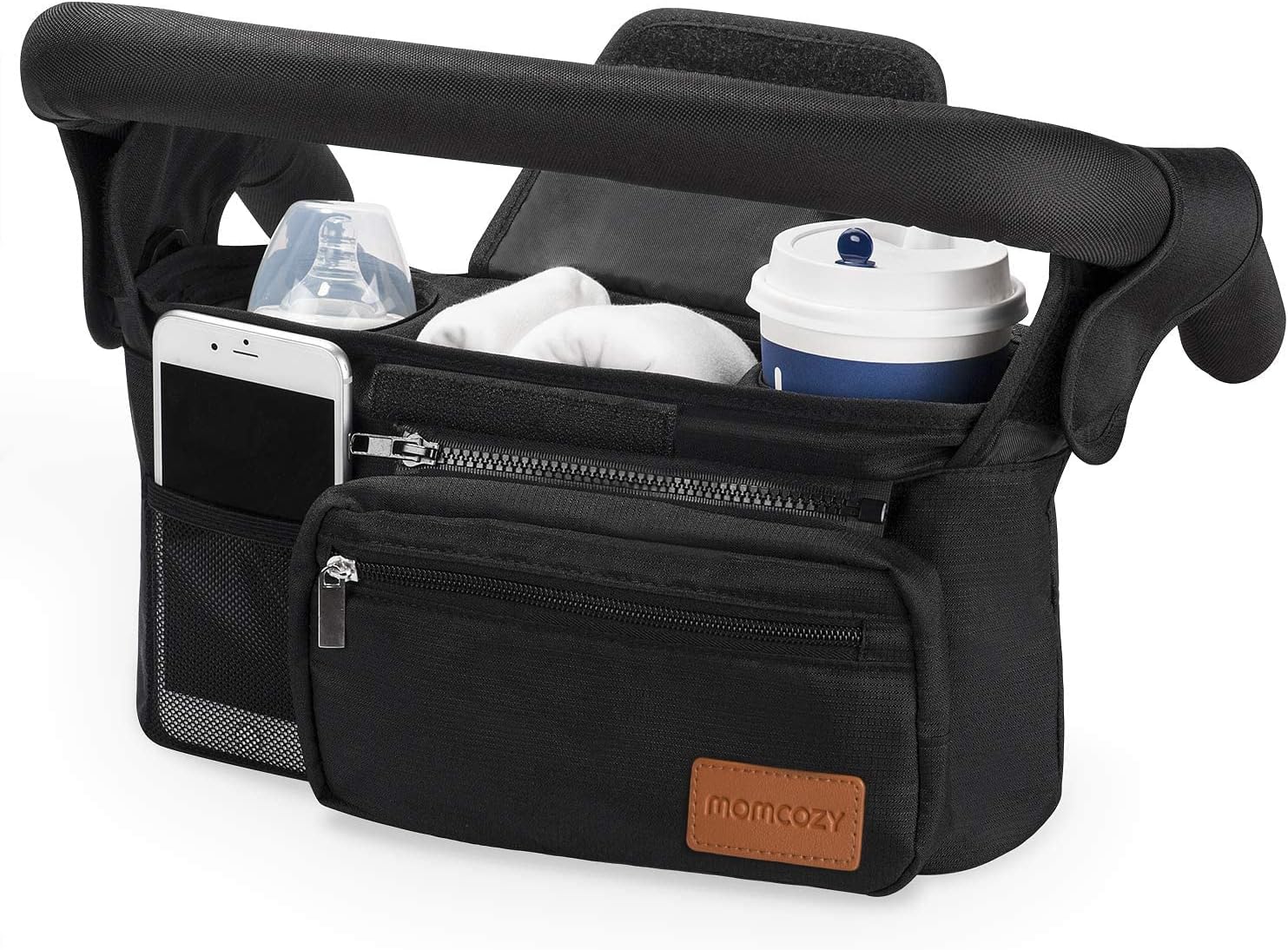
Baby Trend EZ Ride Travel System with Infant Car Seat
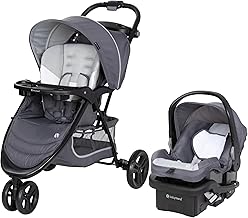
This is the workhorse for foster parents who get short-notice infant placements. It's a one-box travel system: an infant car seat with a stay-in-car base plus a full-size stroller that the seat clicks straight onto. When a placement call comes in at 9pm and you need to be at the hospital by 10pm, you don't have time to source a car seat separately — having the Baby Trend EZ Ride already assembled in the garage means you grab and go. It fits newborns up to about 30 pounds in the infant seat, then converts to a standard stroller for toddlers up to 50 pounds, which is the typical foster-placement weight band. Check the Baby Trend EZ Ride Travel System on Amazon.
KOOLABABY Reversible Foldable Baby Stroller
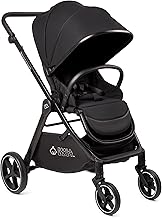
The reversible-seat feature matters more than it sounds. Younger placements (under one year) often need to face the caregiver for attachment and reassurance — eye contact during transitions is part of trauma-informed foster practice. Older toddlers want to face forward and see the world. Buying one stroller that handles both modes saves you from replacing the unit every time the placement age changes. It also folds compact enough to live in the trunk between placements, which matters when your garage is already full of pack-and-plays, high chairs, and bins of clothes in mixed sizes. Check the KOOLABABY Reversible Stroller on Amazon.
Ingenuity 3D Mini Lightweight Compact-Fold Stroller
This is your backup stroller and your supervised-visit stroller. Weighing under 12 pounds and folding to roughly the footprint of a backpack, it lives in the second car or stays parked by the front door for quick trips. Foster parents end up at far more pediatric appointments, dental visits, court hearings, and supervised-visit centers than they expect, and lugging a full-size stroller into a downtown courthouse is miserable. The Ingenuity 3D Mini's one-hand fold means you can carry the child and collapse the stroller without setting either down. Check the Ingenuity 3D Mini Stroller on Amazon.
Comparison: rotating-placement portable gear
| Product | Best for | Weight range | Fold size | Foster use case |
|---|---|---|---|---|
| Baby Trend EZ Ride Travel System | Short-notice infant placements | 4–50 lb | Standard | Garage-ready grab-and-go kit |
| KOOLABABY Reversible Stroller | Mixed-age rotation, attachment-facing newborns | ~6–40 lb | Compact | Daily driver across placement ages |
| Ingenuity 3D Mini | Appointments, supervised visits, second-car backup | ~6–40 lb | Backpack-sized | Go-bag stroller, courthouse-friendly |
For full transport options, see our companion guides on the best car seats for rotating foster placements and the best travel systems for foster parents.
Setup workflow for a new placement (under 30 minutes)
- Minute 0–5: Power on monitor camera, scan QR with your phone, confirm Wi-Fi connect.
- Minute 5–10: Add co-parent's phone via app invite, confirm dual-feed working on both devices.
- Minute 10–15: Position camera (dresser top or playard rail), aim to crib center, confirm framing on app.
- Minute 15–20: Format SD card to wipe any previous placement's footage. Enable motion alerts. Set night-vision auto.
- Minute 20–25: Assemble travel system or stroller if not pre-staged. Confirm car seat base is in vehicle.
- Minute 25–30: Quick walkthrough with the placement worker — show them where the camera is, where the privacy shutter is, and confirm it's documented in your home file.
Privacy and data handling between placements
When a placement transitions out, do the data wipe before the next call comes in. Format the SD card, revoke any caregiver app access added during the placement, delete cloud clips, and reset the monitor's account-linked history. Some agencies require a written log that this was done; build a one-page template you can sign and file with each closed placement record. The foster go-bag essentials guide includes a printable version.
Frequently Asked Questions
Can I use one baby monitor across multiple foster placements without buying new hardware each time?
Yes — and that's the entire point of a portable, app-based unit. Choose a monitor with battery operation, removable SD storage, and multi-user account support so you can reset the device, wipe footage, and re-pair with a new caregiver list between placements. Avoid hardwired or drilled-mount cameras since you can't easily relocate them when the placement bedroom changes.
What baby monitor works best when foster placements arrive overnight on short notice?
Any Wi-Fi monitor with QR-code pairing and a battery base. The setup window matters more than picture quality — you want a unit you can pull from a closet, scan with your phone, and have showing a live feed within five minutes. Eufy SpaceView and Nanit Pro Travel are commonly cited for this scenario in 2026.
Do I need a Wi-Fi or non-Wi-Fi baby monitor for foster care?
Default to Wi-Fi because of multi-user access and remote viewing, but keep a non-Wi-Fi audio-video monitor (VTech VM819 or similar) as a backup. Some case plans restrict internet-connected recording devices in placements involving custody disputes, and having an offline option means you don't lose monitoring entirely on those placements.
How do I share baby monitor access with my partner or respite caregiver?
App-based monitors let you send an invitation email or SMS link from the primary account. Look for monitors that support at least four simultaneous user accounts. When the placement ends or the respite caregiver rotates, revoke their access immediately through the app's user management screen.
What's the best baby monitor for foster parent with multiple rotating placements when you take sibling pairs?
Pick a multi-camera kit from day one rather than buying single cameras. Two cameras feeding into one app dashboard let you monitor both children from a single phone view, which matters when one baby wakes and you need to check the other without leaving the room. Eufy and Nanit both sell two-pack kits explicitly for sibling rooms.
How do I handle baby monitor footage privacy when a foster placement ends?
Format the SD card, delete cloud clips through the app, revoke any caregiver accounts added during the placement, and reset the device's account-linked history. Document the wipe in writing and file it with the closed placement record — some agencies require this and all agencies appreciate it during license renewal reviews.
Are smart Wi-Fi baby monitors safe to use in licensed foster homes?
Yes in most jurisdictions, provided the camera is in common care areas (bedrooms, nurseries), has a physical privacy shutter, is disclosed to the placing agency and case manager, and footage is deleted when a placement ends. Always check your state's foster licensing rules and your specific case plan before installing — a handful of placements explicitly prohibit internet-connected recording.
Key Takeaways
- Choosing the right best baby monitor for foster parent with multiple rotating placements means matching capacity and output ports to your actual devices
- Always check actual watt-hours (Wh), not just watts — runtime depends on Wh, not peak output
- Also covers: portable baby monitor foster care home
- Also covers: easy setup monitor foster parents
- Also covers: baby monitor multiple kids rotating
- Compare price-per-Wh across models to find the best value for your budget