Finding the best baby monitor for night shift nurse parent sleeping during day comes down to three things: silent vibration alerts, a screen dim enough to survive blackout curtains, and audio fidelity that can cut through a white noise machine without waking the rest of the household. After a 12-hour shift, you don't need beeps — you need a monitor that respects an inverted circadian rhythm and wakes you fast without lighting up your bedroom like a triage bay. This 2026 buyer's guide ranks the features, alert modes, and shift-specific quirks that separate sleep-saving monitors from ones that sabotage your next clinical day.
Why night-shift nurses need a fundamentally different monitor
A standard baby monitor is designed around the assumption that one or both parents are awake during normal daylight hours. Night-shift nurses invert that. You finish a shift at 0700, drive home, hand the baby off, and try to bank six to eight hours of recovery sleep in a room you've engineered to feel like 0200 — blackout shades, eye mask, white noise, ear plugs. Your partner or a caregiver is on baby duty, but you're still the responsible adult if something goes wrong: choking, a febrile spike, an apnea event. The monitor has to penetrate your sleep barrier, but selectively — only when something actually warrants waking you.
Most off-the-shelf monitors fail this on at least one axis. An LED-grid sound bar lights up every time the baby coos in a dream. The auto-on screen flashes whenever a partner picks the baby up. The low-battery chirp goes off at 1400 like a smoke alarm. Each of those is a micro-arousal that destroys the deep sleep your brain needs to do safe medication math at 0300 the next night. The right monitor is one with granular, customizable alerts that escalate from silent (a wrist vibration) to audible only when threshold criteria are met.
The non-negotiable features for daytime sleepers
Before comparing brands, anchor on these features. The best baby monitor for night shift nurse parent sleeping during day needs all of them, not just three:
- Vibration-only alert mode — delivered via a wearable parent unit, smartwatch integration, or a vibrating puck under your pillow. The audio side stays silent until criteria escalate.
- True blackout-compatible screen — adjustable down to roughly 1% brightness with an auto-off display that wakes only on motion or sound thresholds. Avoid monitors with a status LED that can't be disabled.
- Adjustable sound activation threshold — so soft sleep noises don't trigger alerts. Look for at least five sensitivity levels.
- White-noise-tolerant audio — the parent unit needs to pull baby cries through the nursery's white noise machine without amplifying the noise itself. Good monitors use directional mics and frequency filtering.
- Multi-receiver or app-based escalation — your awake partner sees the alert first. Only if they don't acknowledge within 60 to 90 seconds does it route to your bedroom.
- Optional vitals tracking — a sock, mat, or wearable that monitors heart rate, oxygen, or breathing. Vitals-grade alerts override silent mode and wake you immediately.
- Encrypted local + cloud streaming — nurses know HIPAA-grade thinking. Don't put a baby on an unencrypted Wi-Fi cam.
How the categories stack up in 2026
| Category | Strength | Weakness | Night-shift fit |
|---|---|---|---|
| Smart Wi-Fi + wearable vitals | Vitals-grade alerts cut through any sleep barrier | Subscription-locked features; Wi-Fi dependency | |
| Dedicated long-range video | No internet needed; rock-solid reliability | No vibration alert by default on most models | |
| App-only smart camera | Pairs with phone Focus modes for silent, criteria-based alerts | Phone must stay charged and on-network in bedroom | |
| Audio-only with vibration puck | Cheapest, simplest, no screens to light a dark room | No video confirmation of baby state | |
| Two-camera + parent-unit combo | Multi-room coverage as baby grows | Two units, two charge cables, two failure points |
The five monitor archetypes worth your money
1. Wearable-vitals smart monitor (top pick for medical pros)
If you only buy one piece of nursery tech, make it a vitals-tracking wearable monitor — a smart sock, leg band, or breathing mat paired with a video feed. As a nurse you already trust SpO2 and heart-rate trends more than audible cues, and these devices alert when actual physiologic thresholds breach, not just when baby coos. The 2026 generation pushes alerts through to a parent app with Critical Alert iOS and Android permission, meaning they pierce Do Not Disturb. That's the closest thing to clinical telemetry you can put in a nursery. Pair it with an Apple Watch or Pixel Watch and you get wrist-vibration alerts on top of audio — the holy grail for daytime sleepers.
2. Long-range dedicated video monitor (for unreliable Wi-Fi homes)
Rural homes, basement apartments, or any house where the bedroom and nursery are on different Wi-Fi access points are better served by a dedicated 900 MHz or 2.4 GHz monitor that doesn't touch your router. Look for models with a parent unit you can clip to your waistband during evening errands and that have a true vibrate-only mode. The downside: no vitals, no phone integration, no remote viewing if you step outside. The upside: it survives a power outage if both units stay charged, and there's no cloud outage at 1300 waking the baby.
3. Smart Wi-Fi camera + phone-only setup
The budget-friendly pick if you already have a strong nursery Wi-Fi signal and trust your phone as the primary alert device. Modern smart cameras let you set sound and motion thresholds independently, run motion zones (so the cat doesn't trigger alerts), and integrate with iOS Focus modes or Android Bedtime Mode to deliver alerts via wrist haptics only. The key is configuring the phone correctly — most failures are user-side, not hardware. Add the camera as a Critical or Time Sensitive contact in your Focus settings so its alerts bypass your sleep filter.
4. Audio-only monitor with vibration parent unit
Don't underestimate audio. A high-quality audio monitor with an LED-bar visual indicator (no screen) and a vibrate-on-alert parent unit is often the best sleep-preserving choice. No glowing screen, no app to manage, no Wi-Fi to drop. You get a quiet hum, a tactile buzz when baby cries, and that's it. Veteran NICU and L&D nurses often migrate to this category after burning out on app-based monitors that ping for every diaper change.
5. Multi-camera ecosystems (for toddler + newborn households)
Once you have a second child or an older sibling who wanders in, you need coverage in two rooms. Multi-camera ecosystems with a single 5-to-7-inch parent display let you cycle between rooms or split the screen. For night-shift parents, the must-have feature here is per-camera alert profiles — the newborn's room runs high-sensitivity, the toddler's room is set to wake you only on prolonged crying.
Engineering the room itself
No monitor compensates for a poorly engineered sleep environment. Pair your monitor with proper blackout curtains for a shift-worker nursery and a quality white noise machine for baby and adult sleep. The white noise machine pulls double duty: it masks daytime household sounds for the baby and gives your sleeping brain a consistent acoustic floor so the monitor's alert is the only thing that breaks through. Set the bedroom thermostat to 65-68°F — your body's daytime cortisol surge fights cool sleep, so removing thermal cues is one of the highest-leverage tweaks you can make.
For your one window of daylight: stroller picks
Night-shift parents typically get one usable block of evening daylight — between waking around 1500-1600 and starting shift prep around 1730. That's your window for fresh air, vitamin D, and a stroller walk that resets both you and the baby. Two real-product picks fit a tight evening routine.
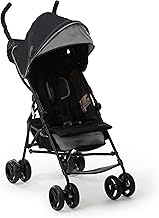
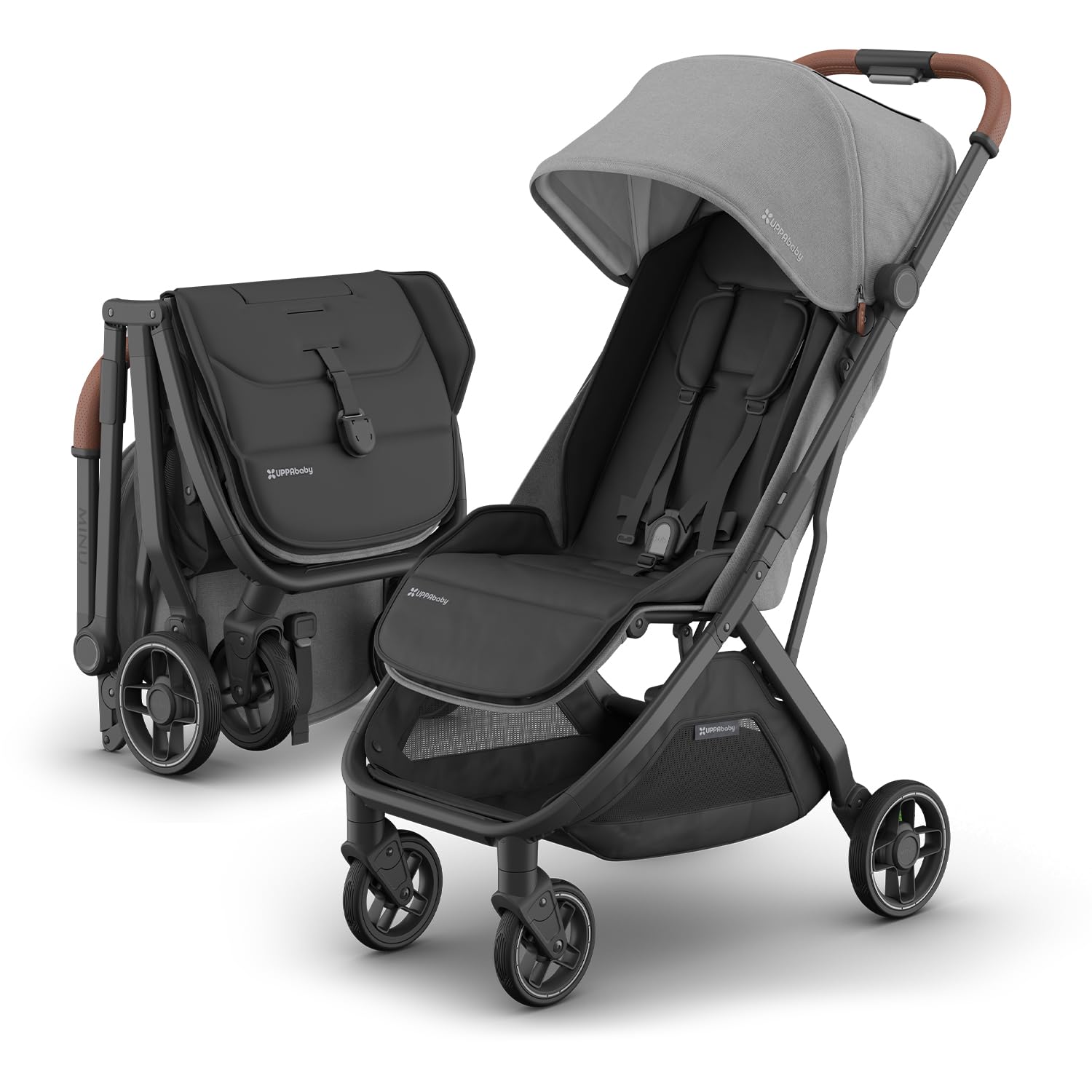
Ingenuity 3D Mini Lightweight Compact-Fold Stroller
If you're walking out the door tired, you want a stroller that one-hand folds and fits in the back of any vehicle. The Ingenuity 3D Mini weighs around 13 pounds, opens in under five seconds, and is the kind of stroller you can leave in your trunk permanently. For a quick post-wake walk to clear your head before shift, this is the lowest-friction option. View it on Amazon: Ingenuity 3D Mini Lightweight Compact-Fold Stroller
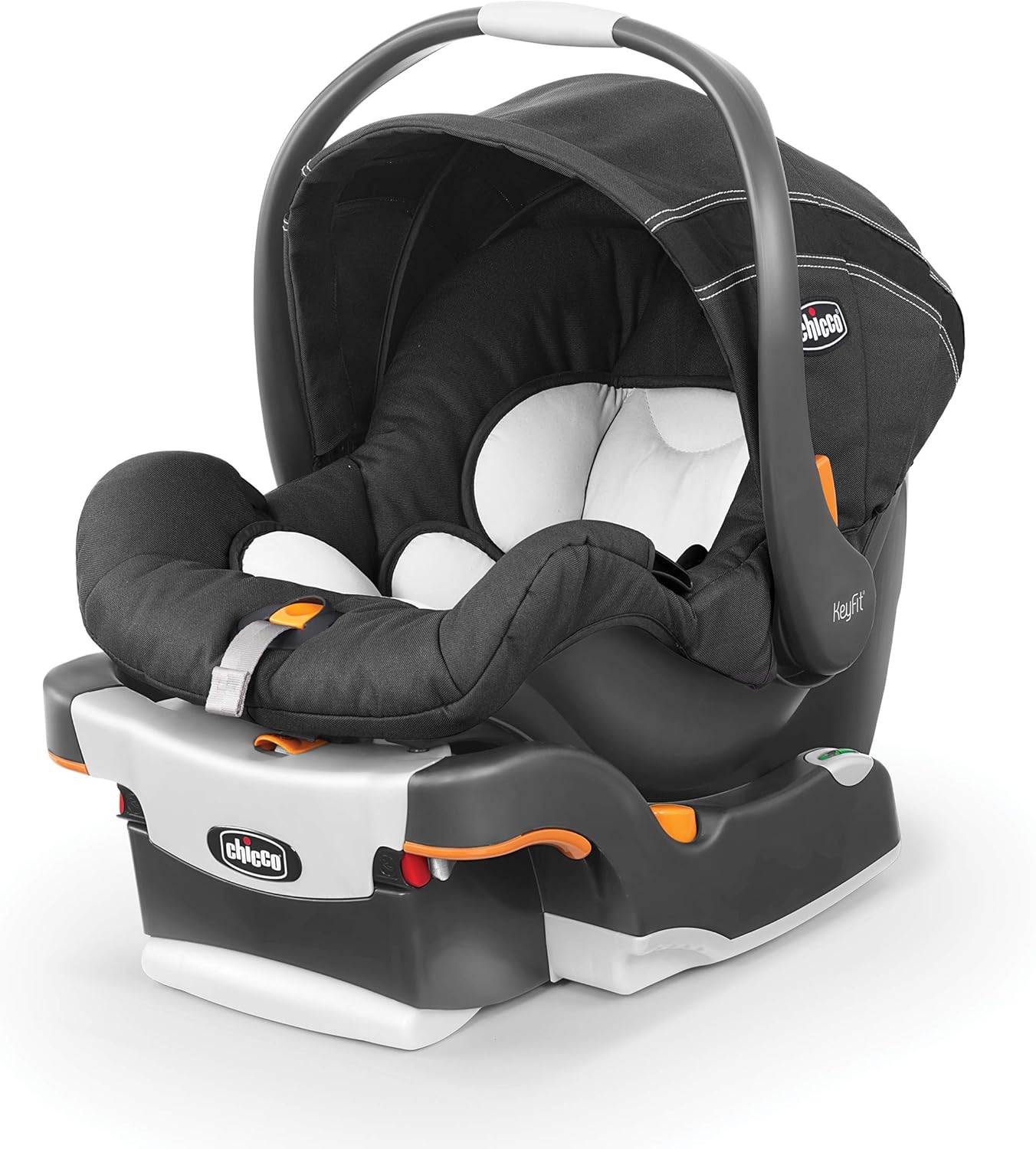
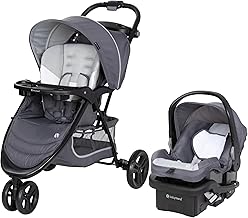
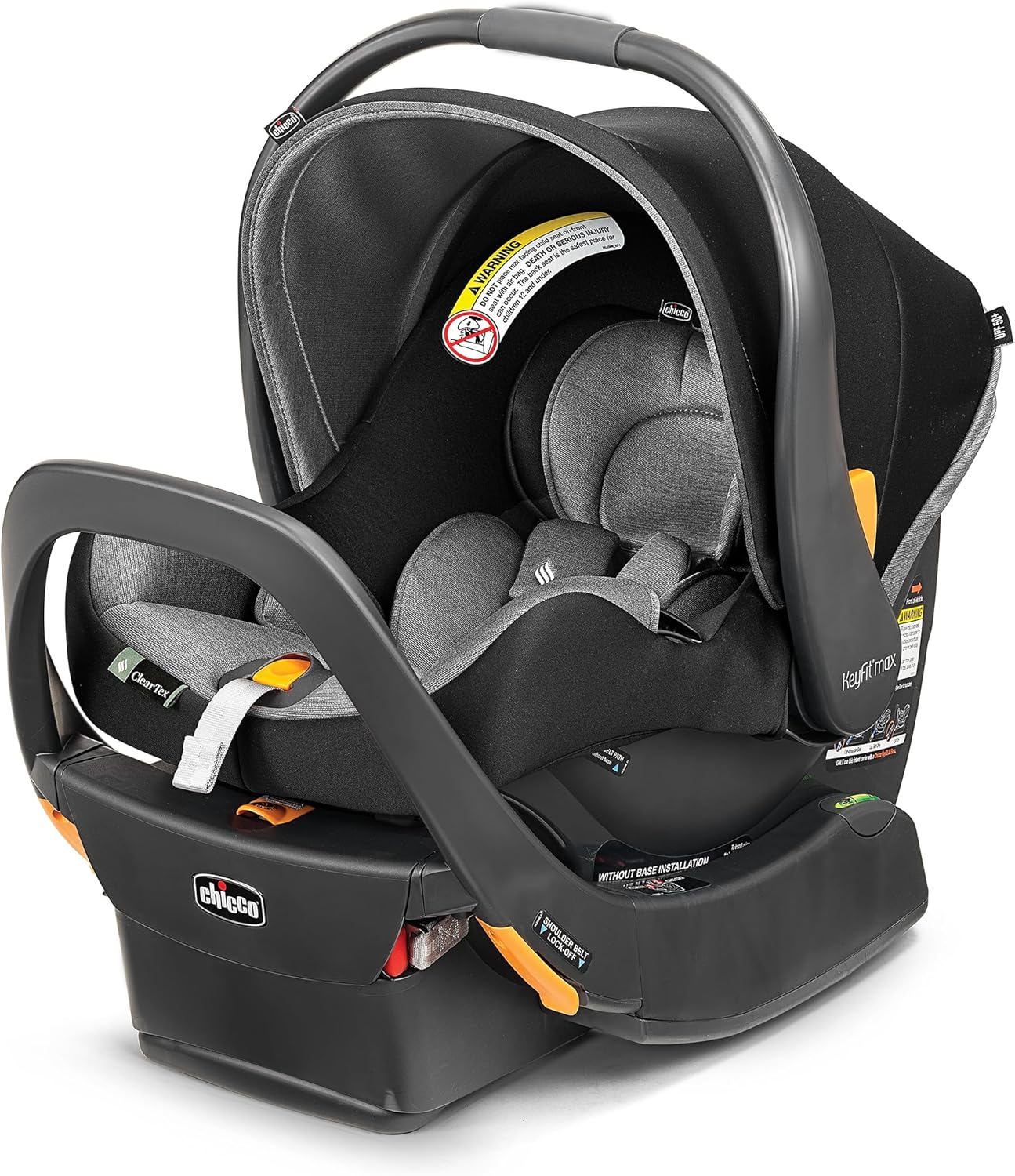
Baby Trend EZ Ride Travel System with Infant Car Seat
If your partner handles morning daycare drop-off and you handle the evening, a travel system simplifies the click-in-and-go flow. The Baby Trend EZ Ride includes a compatible infant car seat that snaps directly onto the stroller frame, which matters when you're operating on five hours of sleep and don't want to fumble with adapters. View it on Amazon: Baby Trend EZ Ride Travel System with Infant Car Seat
Frequently Asked Questions
What baby monitor works best for parents who sleep with earplugs?
You need a monitor with a vibration parent unit or a smartwatch-paired alert. Audible-only monitors are useless if you wear earplugs to block daytime household noise. Look for either a dedicated parent unit with adjustable vibration intensity or a Wi-Fi monitor that pushes Critical Alerts to your Apple Watch or Pixel Watch. Pair it with a vibrating pillow puck for redundancy — two haptic alert paths are better than one when your baseline arousal threshold is high from sleep deprivation.
How do you set up a baby monitor to wake you without waking your partner who works days?
Use a monitor with a personal vibrating parent unit you can keep under your pillow, paired with phone alerts routed exclusively to your device, not a shared family hub. Disable the audible parent-unit speaker entirely and rely on vibration. If your monitor offers multi-receiver pairing, give your day-working partner an unpaired or silent receiver so only your device alerts during your sleep block. Avoid smart-home setups that broadcast through bedroom Echo or Google speakers during the day.
Are wearable baby monitors safe for daily use on a night-shift schedule?
Yes — modern smart socks, leg bands, and breathing mats from major brands meet pediatric safety standards and are designed for continuous wear. They're particularly valuable for shift-worker parents because they alert on objective physiologic data rather than subjective sound thresholds. Rotate sock position between feet daily to prevent skin irritation and follow the manufacturer's fit guide. Always treat the wearable as a supplement to safe sleep practices, not a replacement.
Can a baby monitor cut through a white noise machine in the nursery?
Yes, if it has directional or noise-canceling microphones. Modern monitors filter out the constant frequency band a white noise machine produces (typically pink or brown noise centered around 200-2000 Hz) while remaining sensitive to the higher-frequency, transient sound of an infant cry (300-3000 Hz with rapid attack). Test before relying on it — play a recorded infant cry through the nursery with the white noise machine running and confirm the monitor alerts at your desired sensitivity.
What's the difference between Time Sensitive and Critical Alerts for baby monitor apps?
Time Sensitive alerts on iOS bypass scheduled Focus modes but still respect the system mute switch. Critical Alerts override both Focus modes and the mute switch, playing audio at up to full volume. For a night-shift nurse parent sleeping during day, configure your baby monitor app for Critical Alerts only on physiologic thresholds (oxygen drop, breathing pause) and Time Sensitive for routine cry detection. This tiering preserves your sleep while guaranteeing escalation when it actually matters.
How long should a baby monitor parent unit battery last for a 12-hour shift recovery sleep?
Look for at least 10 hours of continuous use on vibration-only mode, ideally 14+ to cover a full sleep block plus prep time. Many parent units advertise 12 hours using screen-off audio-only mode, which collapses to 4-5 hours with the video feed active. If you intend to glance at the camera before sleeping and on wake, factor that in. Keep the parent unit on a fast-charge dock by your bed so a partial nap-day charge gets you back to full.
Should I use a baby monitor or a nanny cam to check on a daytime caregiver?
Use a dedicated baby monitor for active alerts and a separate, clearly disclosed nanny cam if you want a recorded log. Combining them on one device creates legal complications around recorded audio (regulated more strictly than video in most states) and tends to produce hardware that's mediocre at both functions. A purpose-built baby monitor will have better cry detection and night vision; a nanny cam will have better recording and motion review. Always inform any paid caregiver in writing that the home has recording cameras.
Bottom line for night-shift parents
The best baby monitor for night shift nurse parent sleeping during day is the one that delivers a single, unmistakable alert when something genuinely warrants waking you — and stays completely silent the other 99% of your sleep block. Prioritize wearable vitals tracking if budget allows, fall back on a dedicated monitor with a vibrating parent unit if not, and engineer the bedroom environment around the monitor rather than the other way around. For a deeper system overhaul, see our companion guide on a night feeding routine for shift-worker parents, which covers how to align feeds with your handoff windows so the monitor has less work to do in the first place.
Key Takeaways
- Choosing the right best baby monitor for night shift nurse parent sleeping during day means matching capacity and output ports to your actual devices
- Always check actual watt-hours (Wh), not just watts — runtime depends on Wh, not peak output
- Also covers: baby monitor for shift workers
- Also covers: quiet baby monitor day sleeper parent
- Also covers: baby monitor blackout for night shift mom
- Compare price-per-Wh across models to find the best value for your budget